The 24-hour window
- It opens when a customer messages your Facebook Page or Instagram account, or replies to your story.
- Each new message from them restarts the 24 hours. Your own messages don't.
- Inside it, your business, or your AI agent, can send anything: text, photos, buttons, files on Messenger.
- It's the same on Messenger and Instagram, because both run on Meta's Messenger Platform.
Meta calls this the standard messaging window. Meta: messaging policy
The human agent tag: 7 days for a person
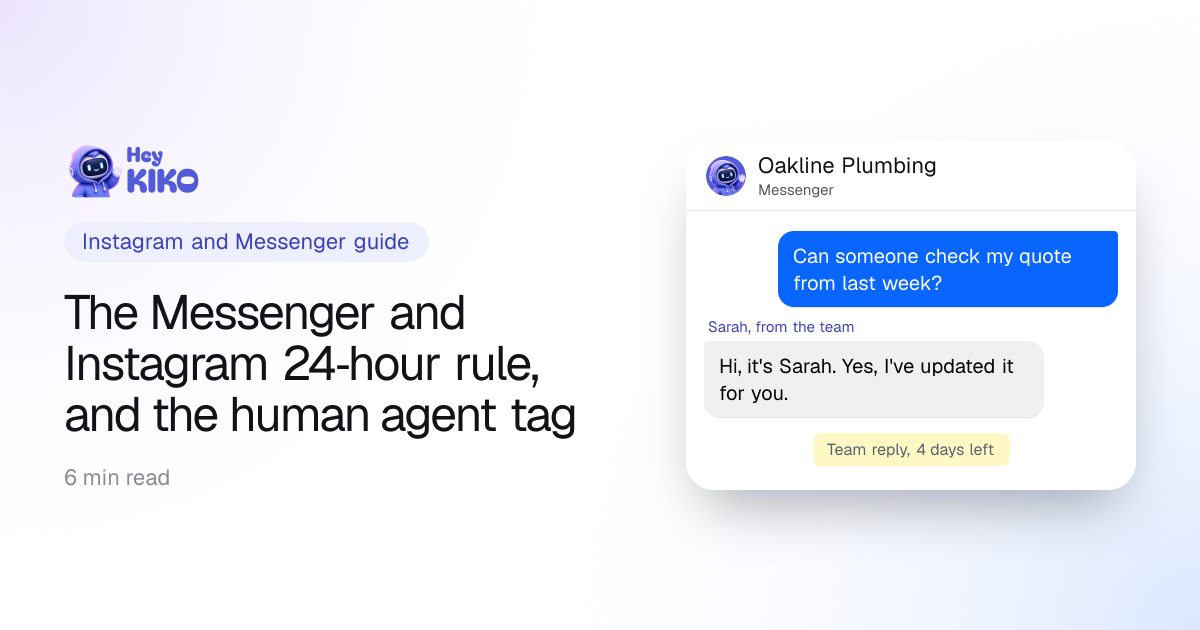
Some conversations can't be finished in a day: a quote that needs a site visit, a refund that needs a manager. The human agent tag lets a real person on your team reply for up to 7 days after the customer's last message.
- It's for a person typing a reply, never for automated messages.
- It's meant for customer service the 24 hours didn't cover, not for promotions or offers.
- An app can use it only after Meta approves its Human Agent permission.
| Time since the customer's last message | AI agent or automation | A person on your team |
|---|---|---|
| Under 24 hours | Yes | Yes |
| 24 hours to 7 days | No | Yes, with the human agent tag |
| Over 7 days | No | No, until the customer writes again |
Chats that start from an ad
When someone's first message comes from a Click-to-Messenger or Click-to-Instagram-Direct ad, Meta's policy says the window may last up to 7 days. “Up to” is Meta's wording: don't plan on the full week for every ad chat.
How it compares with WhatsApp
| Messenger and Instagram | ||
|---|---|---|
| Free reply window | 24 hours | 24 hours |
| After the window | A person may reply for up to 7 days | Only approved template messages |
| Reopening an old chat | Wait for the customer to write | Send a paid template |
| Meta fee per reply | None | 1,000 free service replies a month per number, then charged |
The WhatsApp side is explained in full in the WhatsApp 24-hour window.
How HeyKiko applies the rule
- Kiko, the AI agent, answers only inside the 24 hours. In practice that's within seconds of each message.
- When a chat is past 24 hours, Kiko stays quiet and the chat waits in your shared inbox for a person.
- The inbox shows how long is left, for example “Agent can reply for 6 more hours” or “Team reply only, until Tue”.
- A team reply between 24 hours and 7 days is sent with the human agent tag. After 7 days, it's refused before sending, so the transcript never shows a message the customer didn't get.
- Kiko never uses the human agent tag for its own replies.
Tips for working with the window
- Let an AI agent take the first reply, so nothing waits overnight.
- Get an alert when a handed-over chat has had no reply, so a person answers the same day.
- For anything that takes longer than a week, ask for the customer's phone or email while the chat is open.
- Don't save promotions for Messenger or Instagram follow-ups; the tag isn't for them.
Sources
Checked on 19 November 2026. We make HeyKiko, which this guide uses as its example.