What you need first
- An Instagram business or creator account. Personal accounts can't connect.
- A Facebook Page that you manage, with that Instagram account linked to it.
- A Facebook login with a role on that Page that can manage messages.
- An AI agent that already knows your business. In HeyKiko, that's your website and files, imported first.
Connect it, step by step
- Step 1
Switch to a professional account
In Instagram, open Settings › Account type and tools › Switch to professional account, and choose Business or Creator.
- Step 2
Link the account to your Facebook Page
In Meta's Accounts Center, or from your Page's settings under Linked accounts, connect your Instagram account to the Page.
- Step 3
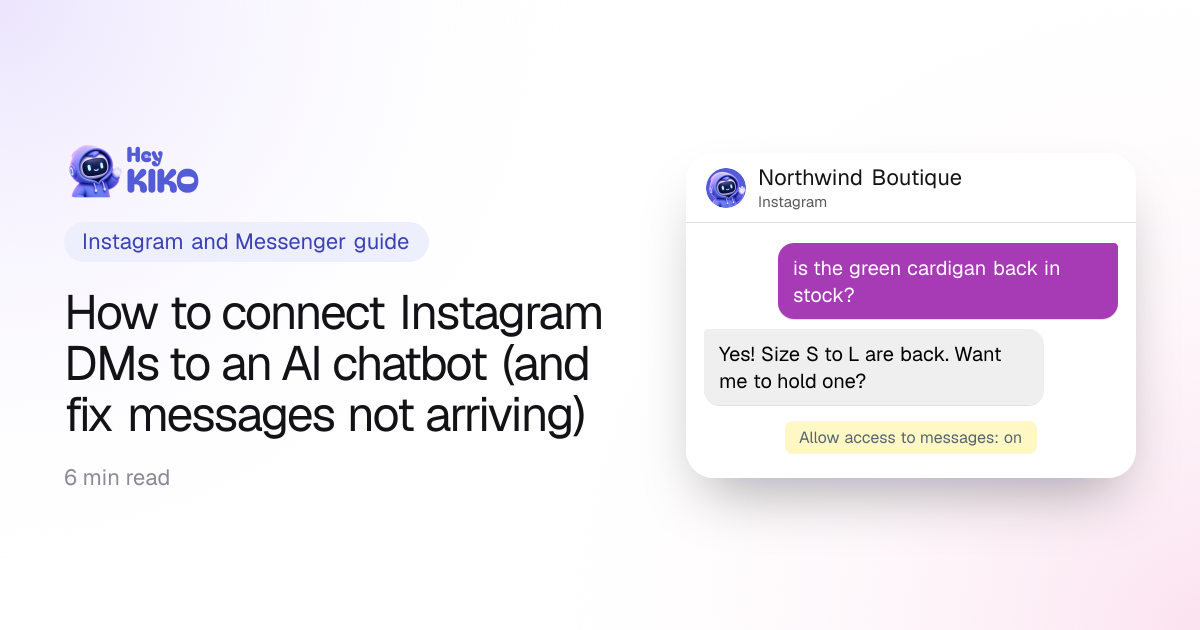
Turn on Allow access to messages
In Instagram, Settings › Messages and story replies › Message controls › Connected tools, and switch on Allow access to messages.
- Step 4
Connect with Facebook in HeyKiko
Open Channels › Instagram and click Connect with Facebook. In Meta's window, tick the Page your Instagram account is linked to. HeyKiko finds the Instagram account from the Page.
- Step 5
Send a test DM from another account
Message your business from a different Instagram account. Kiko's answer arrives in Instagram, and the chat appears in your shared inbox.
Already connected Messenger? The same Facebook connection covers Instagram: open Channels › Instagram and switch on answering for your account.
When DMs don't arrive
Allow access to messages is off
The most common cause by far. Instagram doesn't tell the app the setting is off; it simply sends nothing. HeyKiko turns its note amber if no DM has arrived half an hour after connecting. Turn the setting on and send another test message.
You're testing from your own account
A DM from the business account to itself isn't a customer message. Use a different Instagram account, such as a friend's or a personal one.
The Instagram account isn't linked to the Page
If HeyKiko connects your Page but shows no Instagram account, the link is missing or points at another Page. Link it, then click Check again on Channels › Instagram, which opens Facebook's window once more and reads the link afresh.
The Page wasn't ticked in Facebook's window
Meta's popup asks which Pages to share. If you skipped the Page your Instagram account is linked to, run Connect with Facebook again and tick it.
Your role on the Page is too limited
The person connecting needs a role on the Page that can manage messages. Ask a Page admin to connect, or to give you that access.
The chat is older than 24 hours
An AI agent may only reply within 24 hours of the customer's last message. Older chats wait for your team, who can reply for up to 7 days. See the 24-hour rule.
After it's connected
- Every DM and story reply lands in the shared inbox beside your website, WhatsApp, Telegram and Messenger chats.
- Reply from the inbox and Kiko pauses for that customer until you hand the chat back.
- You can send photos on Instagram; PDFs aren't accepted there.
- The same person on Instagram and on Messenger shows as two separate chats.
Next: decide what Kiko should answer and what goes to a person. The agent works best when its knowledge covers your most common questions; the DM automation guide lists them.
Sources
Checked on 19 November 2026. We make HeyKiko, which this guide uses as its example.